Free Pixel Streaming for Unreal Engine students.
Upload your packaged Unreal Engine project and share it as a link. It runs on NVIDIA RTX GPUs and plays in any browser, with unlimited streaming minutes*.
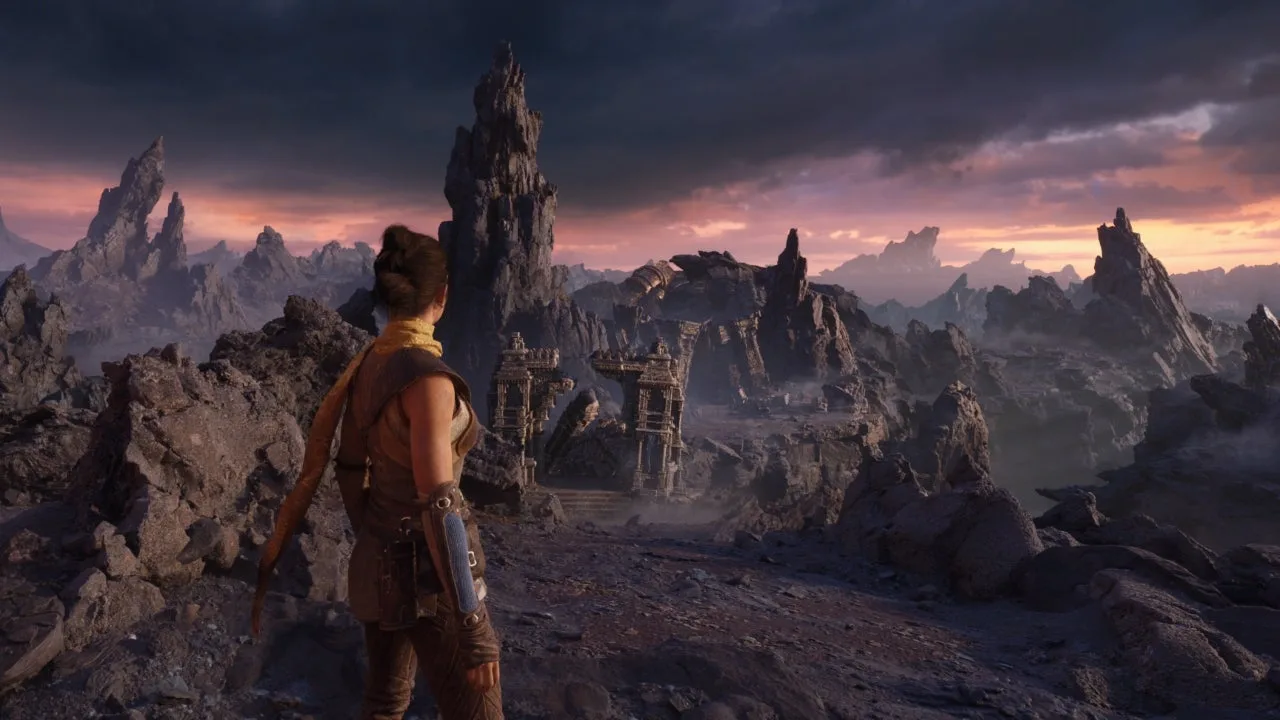
For courses in Game design · Game art · Architecture · Product design · Simulation · XR / AR · Civil engineering · Construction
What is Pixel Streaming?
Your project runs on our GPU. Viewers open it in a browser.
Pixel Streaming is a feature of Unreal Engine. Your project runs on our server and is sent to the viewer's browser as live video. Their mouse, keyboard and touch input is sent back, so they can use it as if it ran on their own computer.
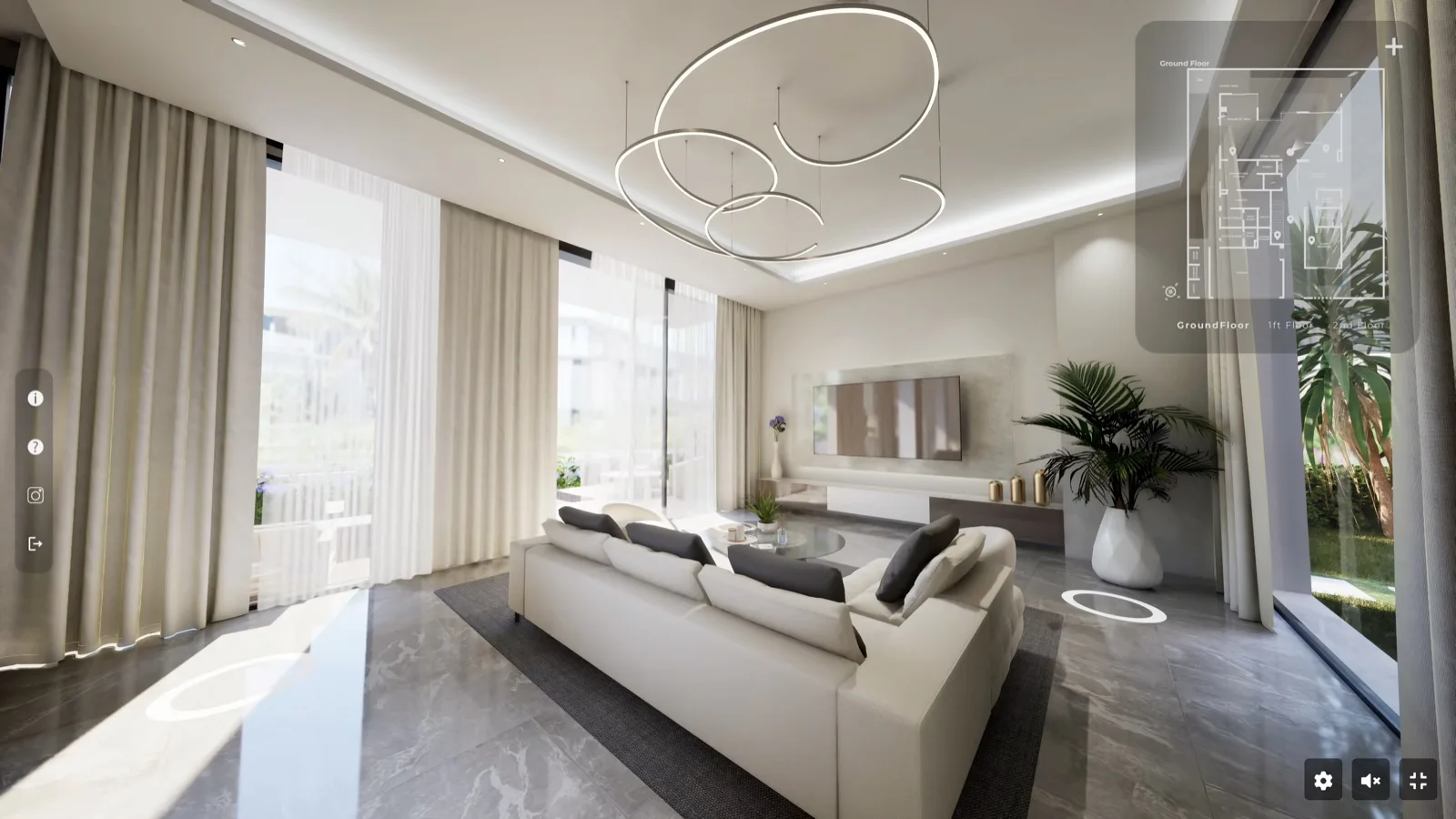
- 1Uploadyour packaged Windows build.
- 2We run iton an NVIDIA RTX GPU.
- 3Share the link.It opens on any phone, tablet or laptop.
Who it is for
For students and institutions.

Share your Unreal project as a link.
- For students enrolled at a university or college
- Use it for portfolios, presentations and job applications
- Unlimited streaming minutes
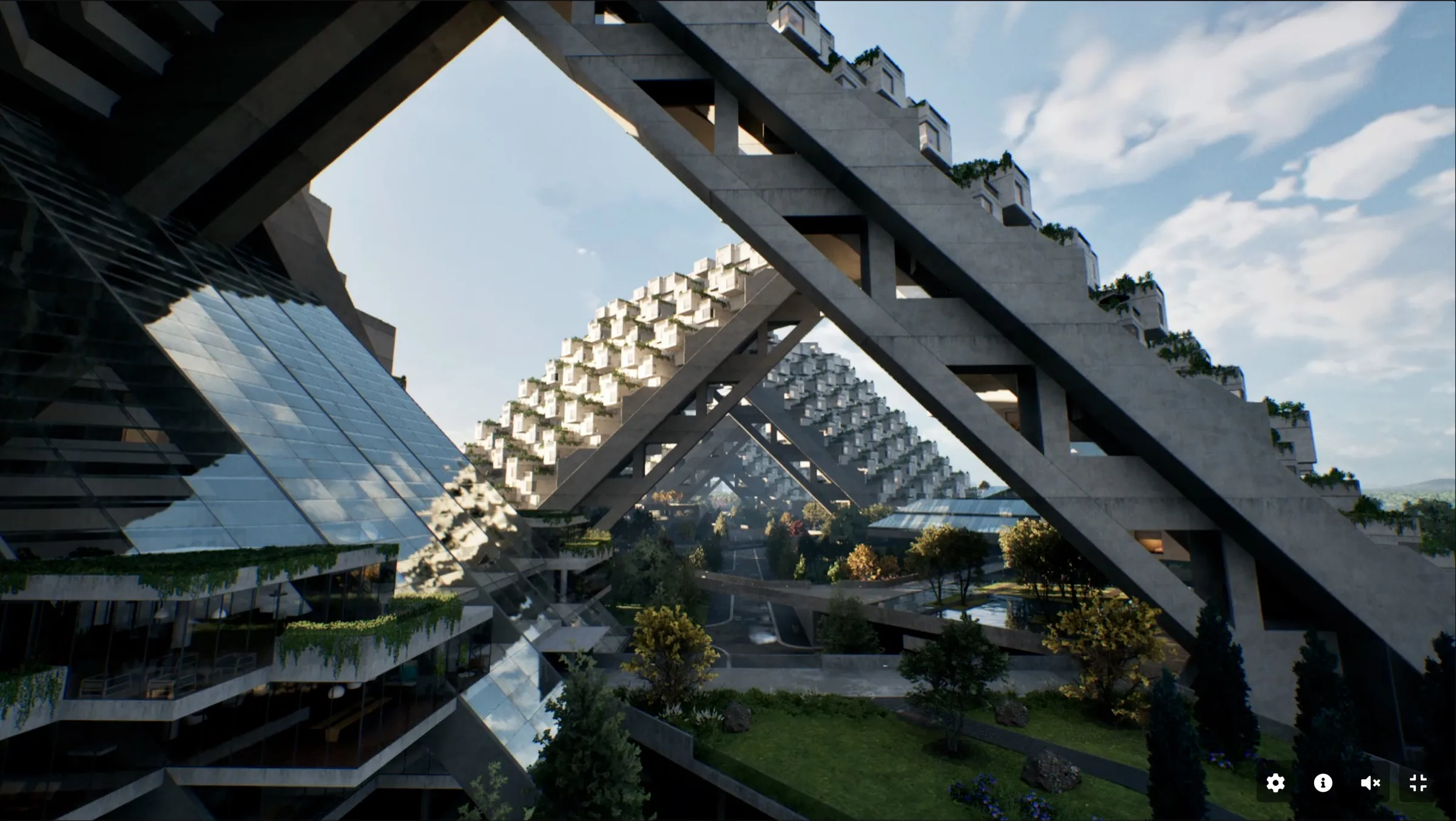
Give all your students free access.
- For universities, colleges and schools
- Every student and staff member verified through your email domain
- Staff accounts and a lab module for teachers
Subjects
Which subjects it is for.
Any course that builds projects in Unreal Engine can use Pixel Streaming to share them.
Game Design & Development
Recruiters can actually play student projects.
Game Art
Studios can explore environments, assets and real-time scenes.
Architecture
Clients and reviewers can navigate interactive architectural visualisations.
Industrial Product Design
Reviewers can interact with 3D product models and configurators.
Simulation
Students can demonstrate interactive simulations without requiring powerful local machines.
XR / AR
Stream demanding interactive experiences to devices that might not support them locally.
Civil Engineering
Reviewers can move around bridges, roads and site models and inspect them.
Construction
Teams and supervisors can follow site models and construction sequences.
Student plan
What the plan includes.
Unlimited streaming minutes*
No monthly allowance that runs out.
NVIDIA RTX GPUs
One whole GPU per stream, 32 GB VRAM.
1 concurrent viewer
One live stream at a time.
3 projects
Coursework, thesis and portfolio.
10 GB uploads
For packaged Unreal Engine builds.
15-minute sessions
Viewers start a new one when it ends.
Any device
Phone, tablet or laptop. Nothing to install.
Showcase slot
60 minutes a month for a presentation.
*Best effort: when demand is high, viewers may wait in a short queue. No uptime guarantee.
For teachers at partner institutions
Lab module for teachers.
Staff at partner institutions get free staff accounts and a ready-made module of four labs to teach Pixel Streaming in class. Students learn to package a project, upload it, connect it to a web page and present it.
About the lab module- Lab 1Packaging for Pixel StreamingEnable the plugin, package for Windows, test locally.
- Lab 2Upload and first streamUpload the build, share the link, read the session stats.
- Lab 3Talking to the web pageSend UI events from the browser into Unreal and back.
- Lab 4Performance and presentationProfile for streaming, then present it live to the class.
What is Pixel Streaming?
Pixel Streaming is a feature of Unreal Engine that runs your project on a server GPU and sends it to a web browser as live video, while mouse, keyboard and touch input travel back. Viewers get the full-quality experience without downloading anything or owning a powerful computer. Streampixel runs and scales that for you.
Is there an uptime guarantee?
No. The free plan is provided on a best-effort basis. When demand is high, viewers may wait in a short queue before a stream starts. For guaranteed capacity, institutions can buy a paid licence.
Where does it stream from?
During the pilot, all education projects stream from our APAC region in India. Viewers anywhere in the world can open them; the further a viewer is from India, the higher the delay.
Can viewers copy my project?
No. Your project runs on our GPU machine and viewers receive only a live video of it, while their mouse, keyboard and touch input is sent back. Your build, models, textures and code never reach their device, so there is nothing to download or extract.
Which GPUs do you use?
NVIDIA RTX cards with 32 GB of VRAM, in our own machines. Each stream uses one whole GPU.
Is it really free?
Yes. Verified students and partner institutions pay nothing, and students need no credit card. The plan is for learning and non-commercial work.
What happens when lots of students stream at the same time?
Viewers may wait in a short queue until a GPU is free, then the stream starts on its own. Each stream still gets a whole NVIDIA RTX GPU.
Apply
Apply to the programme.
Students and institutions apply through one short form. We reply within a few working days.